


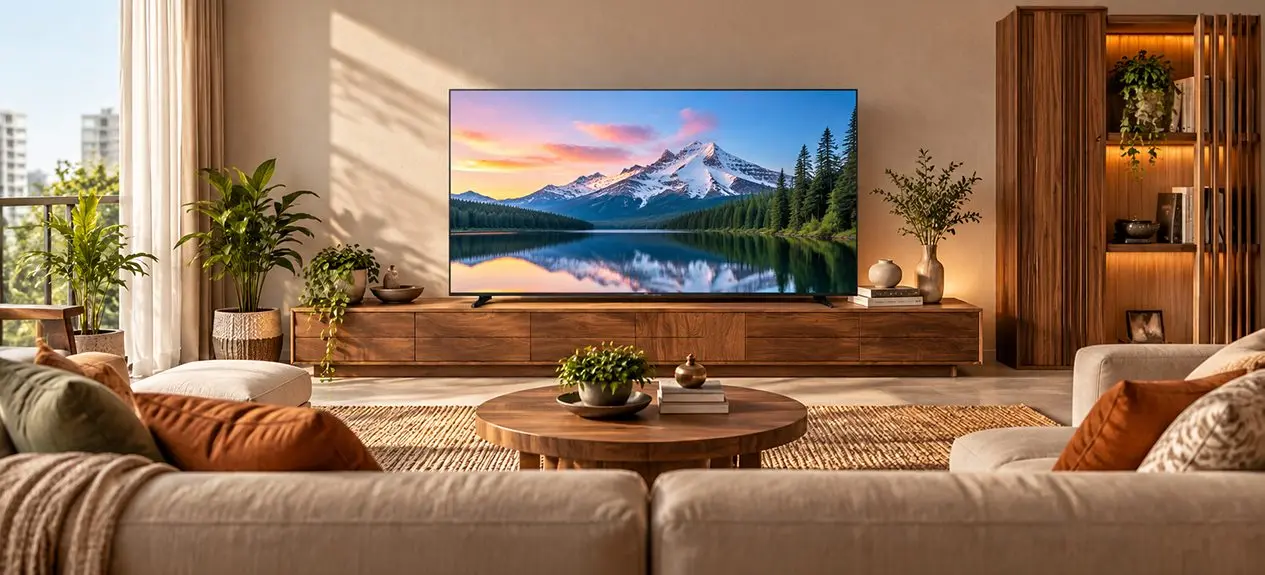

You’ve picked out a TV, found it a spot in the living room, and settled onto the sofa to watch your favourite show. But something feels a bit off. The screen looks smaller than you pictured, or you keep inching back because the picture feels too close. It’s a surprisingly common problem, especially when a TV gets chosen on screen size alone.
The distance between your sofa and the screen changes how you actually experience your TV. Sit too far, and fine details get lost. Sit too close, and long viewing sessions start to feel uncomfortable. Getting your TV viewing distance right means you get the most out of your screen without constantly shuffling your seating around. In this blog, let’s look at how far to sit from the TV, the ideal viewing distance for different screen sizes, and how to choose the right TV size for your room.
Why Viewing Distance Matters
The way you watch TV at home can vary throughout the day. You might sink back into the sofa for a film, lean forward during a cricket match, or settle into your usual spot for a series. The screen should feel comfortable in all of these moments, without making you strain to catch details or crane your neck to follow the action.
Your TV size and distance work together to shape all of this. A larger screen can make films and sports feel a lot more immersive, but it needs the room to breathe. A smaller screen might suit a bedroom well, while a bigger one comes into its own in a spacious living room.
Resolution plays its part too. A 4K TV packs more pixels into the same screen size than a full HD TV, which means you can sit closer without individual pixels becoming obvious. So before you decide where the TV goes, it’s worth weighing both its screen size and its resolution.
The Viewing-Distance Rule of Thumb
Not sure where to even start? A simple trick is to multiply your TV’s diagonal screen size by somewhere between 1.2 and 1.5 to get a rough viewing distance in inches, then divide that by 12 to land on a figure in feet.
A 55-inch TV, for instance, lands you a starting range of roughly 5.5 to 6.9 feet. It’s not a rule set in stone, though. What actually feels right will depend on what you watch, how your room is laid out, and how close you personally like to feel to the action.
For Full HD vs 4K TVs
Your TV’s resolution affects just how close you can sit before the picture starts to look soft.
- Full HD TV: Since the number of pixels is less than that in a 4K TV, the TV starts to show individual pixels when viewed up close, especially on larger screens.
- 4K TVs: The higher pixel count keeps fine detail intact even at shorter distances, giving you more room to go bigger in your living room.
Your 4K TV viewing distance doesn’t have to stick to one fixed number. If you like a more immersive picture, sitting a bit closer could work for you. If you’re mostly watching news, daily soaps, or general entertainment, a little extra distance might feel more natural.
Recommended Distance by Screen Size
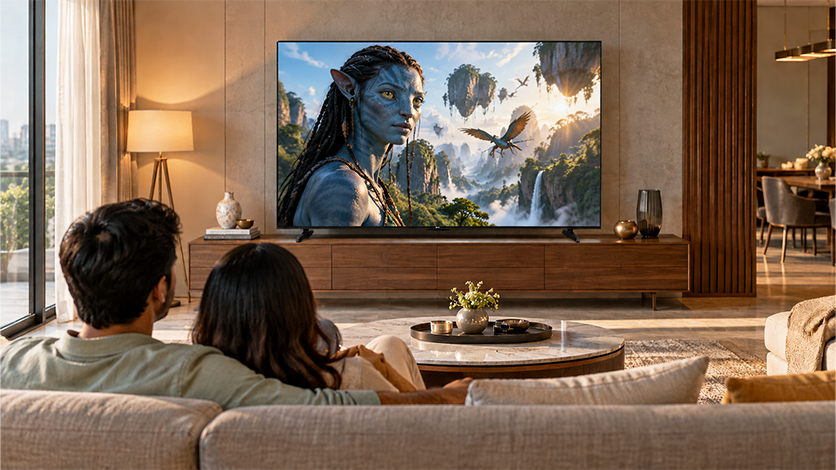
The right distance really comes down to the screen you’re considering and how much room you have. These ranges give you a practical starting point for 4K TVs.
- 43-inch TV: Around 4.5 to 5.5 feet works well for a bedroom, study, or smaller living space.
- 55-inch TV: A viewing distance for 55-inch TV setup of roughly 5.5 to 7 feet suits many small to medium-sized living rooms.
- 65-inch TV: Around 6.5 to 8 feet gives you the room to enjoy a bigger picture without sitting too close.
- 75-inch TV: Aim for roughly 7.5 to 9.5 feet if you want a more immersive feel in a larger living room.
- 85-inch TV: Around 8.5 to 10.5 feet is a solid starting point for a big 4K screen.
How many feet from an 85-inch TV? Around 10 feet works well for most people, though sitting a bit closer is fine too if you enjoy an immersive 4K picture and it feels comfortable to you.
If you’re eyeing the Haier QLED Google TV 216cm (85) with Dolby Vision Atmos, it’s worth measuring from your usual seating spot to the wall or console where the TV will be placed. A screen this size needs enough breathing room to feel immersive rather than overwhelming, so checking the numbers before you buy is time well spent.
How to Pick the Right TV Size for Your Room
It’s tempting to just go for the biggest screen your budget stretches to, but the best TV size for room layouts really depends on how much space is there between the screen and your seating.
Before settling on a size, run through these simple checks:
- Measure from sofa to screen: Measure from where you actually sit, not from the back of the sofa, to where the TV will be placed.
- Account for furniture: A TV stand can push the screen further into the room, while a wall mount tends to keep it closer to the wall.
- Think about everyday viewing: Consider whether you’re mostly watching films and sports, or using the TV more casually through the day.
- Check the resolution: A 4K TV can be a smart choice if you want a bigger screen, but your seating distance is limited.
You can treat these measurements as a simple screen size distance calculator. Start with the seating distance you actually have, line it up against the suggested ranges, and pick a screen size that feels right for your room. These figures are a guide, not something you need to follow.
Viewing Angle and Mounting Height
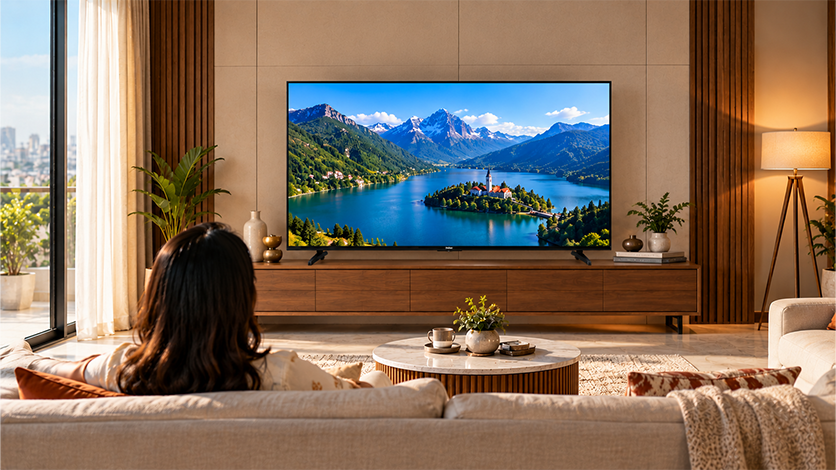
- Keep the screen at a comfortable height: If you’ve ever watched a film on a TV mounted too high, you’ll know how uncomfortable it can be to keep tilting your head back. Ideally, your eyes should be level with the centre of the screen, or close to it, when you’re seated.
- Check the height before mounting: Sit on your sofa and check the proposed screen position from your usual viewing spot. This helps you find a comfortable height before drilling holes in the wall.
- Watch out for glare: Windows and room lighting can make parts of the picture difficult to see, especially during the day. Try adjusting the TV’s position or your seating angle before increasing the brightness.
Quick Distance Reference Table
| Screen size | Suggested 4K viewing distance | Suitable space |
| 43 inches | 4.5-5.5 ft | Bedroom or study |
| 55 inches | 5.5-7 ft | Small or medium living room |
| 65 inches | 6.5-8 ft | Medium to large living room |
| 75 inches | 7.5-9.5 ft | Large living room |
| 85 inches | 8.5-10.5 ft | Spacious living room or home theatre |
Conclusion
The right TV isn’t just about fitting your wall; it’s about fitting the distance you’ll actually be watching it from. Before you settle on a screen size, measure your seating space, factor in the resolution, and think about how you actually like to watch your favourite content.
Whether you’re looking for a compact Haier TV for the bedroom or a large 85-inch QLED for the living room, treat viewing-distance recommendations as a starting point, not a final answer. The goal is simple: a screen that feels right from your sofa, without you having to rethink your seating every time you sit down.
FAQs
How far should you sit from an 85-inch TV?
For an 85-inch 4K TV, around 8.5-10.5 feet is a useful starting point, depending on your room layout and viewing comfort.
What is the ideal viewing distance for a 55-inch TV?
For a 55-inch 4K TV, aim for around 5.5-7 feet between your seating position and the screen.
What size TV is best for my room?
Choose a TV based on your seating distance, room layout, and resolution. A larger screen can work well in a smaller room if you can sit comfortably close to it.
Does 4K let you sit closer?
Yes, 4K TVs pack more pixels into the screen than Full HD models, allowing you to sit closer without individual pixels becoming as noticeable.
How high should a TV be mounted?
Ideally, the centre of the screen should be at or close to eye level when you’re seated, so you can watch without tilting your head.
Can a TV be too big for a room?
Yes, if you need to sit uncomfortably close or move your head to follow the action. Consider your viewing distance and room layout before choosing a screen size.