
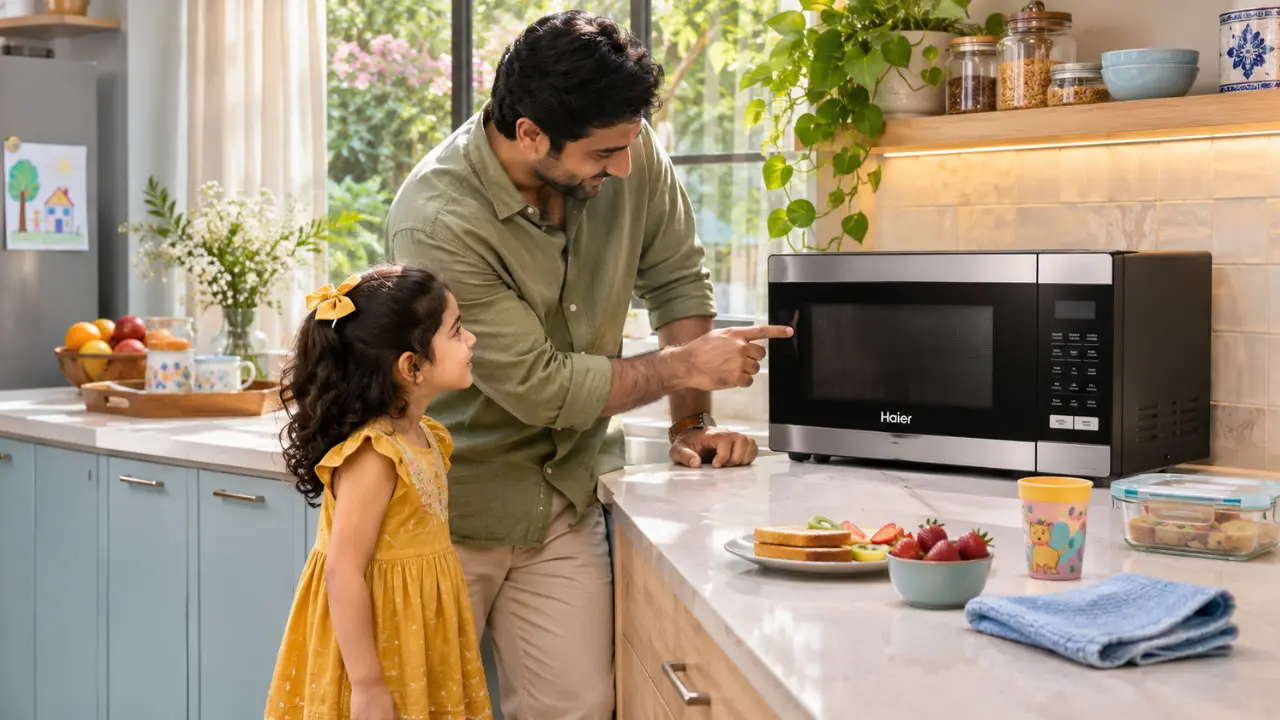

A microwave sitting on the kitchen counter can be surprisingly fascinating to a young child. There are buttons to press, numbers that change on the display and, of course, the occasional beep. What seems like harmless curiosity, however, can result in accidental appliance operation.
A microwave child lock can help prevent such situations by restricting access to the control panel. Depending on the model, you can activate or release the child lock by pressing and holding a dedicated lock button, using the Stop/Cancel button or following a specific combination of controls.
The process is fairly straightforward once you understand your microwave’s control panel. The difficulty is that not every microwave follows the same method.
What Exactly Does a Microwave Child Lock Do?
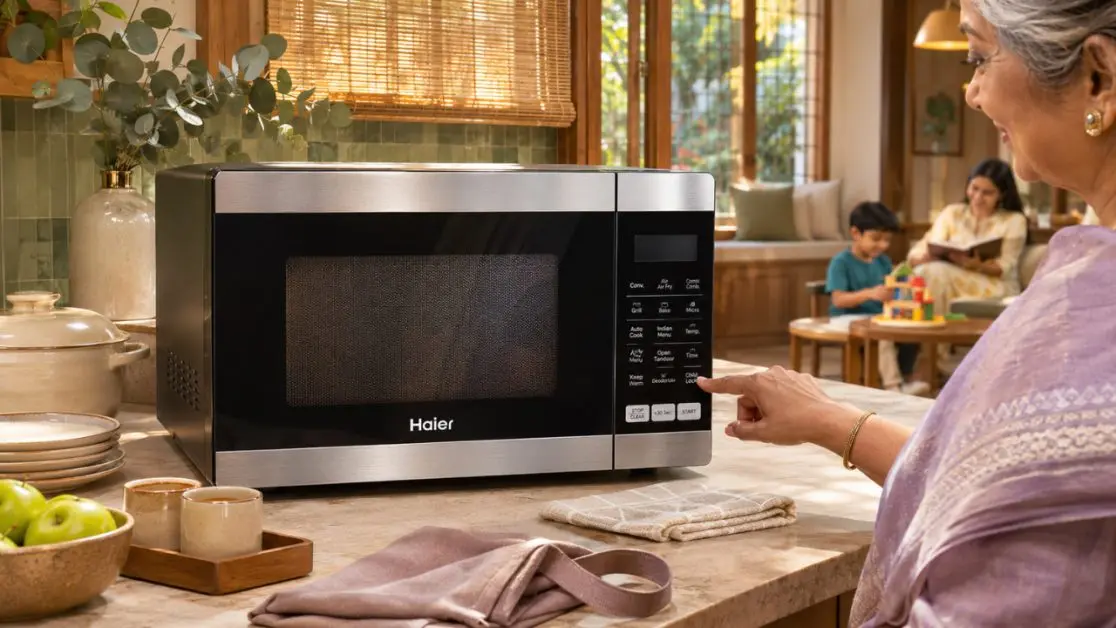
A child lock is a safety feature designed to prevent unintended microwave operation by restricting control panel functions.
Once activated, the feature generally prevents users from starting a cooking programme or changing certain settings until the controls are unlocked.
This comes in particularly handy in households where:
- Young children can reach the kitchen counter.
- Multiple family members regularly use the microwave.
- The control panel is occasionally touched while cleaning.
- Children are naturally curious about electronic appliances.
- The microwave is installed in an easily accessible kitchen space.
One important distinction, though. A control panel child lock does not necessarily lock the microwave door. Nor does it prevent contact with hot cookware or heated surfaces.
Adult supervision remains essential.
Identify Your Microwave Control Panel Before Activating the Lock
Before pressing random buttons, take a moment to examine the control panel. Microwave ovens come with different operating interfaces, and the child lock mechanism can vary accordingly.
Digital Touch Control Panels
Touch control microwaves typically feature a digital display alongside touch-sensitive cooking functions. The child lock may be associated with a dedicated symbol or a secondary function assigned to an existing control.
Electronic Push-Button Panels
These microwaves use physical buttons for selecting cooking programmes, adjusting power levels and setting timers. Certain models activate the child lock through a prolonged press of a designated button.
Rotary Knob and Combination Panels
Some microwaves feature rotary dials alongside electronic buttons. Where a child lock is available, it may be operated through the electronic controls rather than the dial itself.
Traditional mechanical microwaves with basic rotary timers may not offer an electronic child lock at all.
How to Set and Release a Microwave Child Lock on Different Control Panels
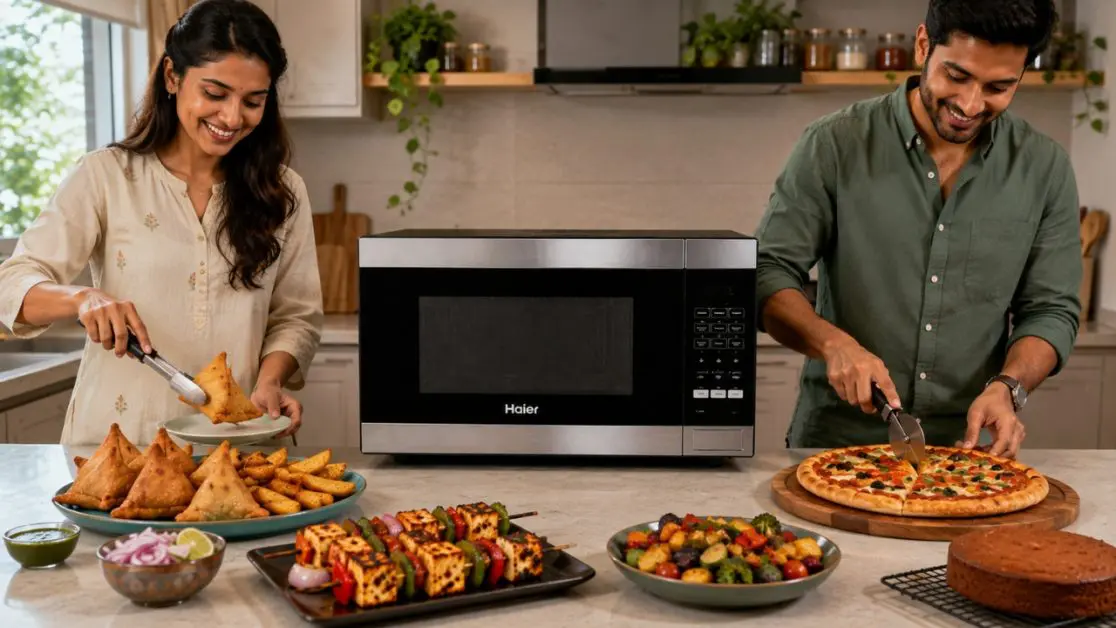
There is no universal button sequence for every microwave. The following methods explain common control panel configurations, but the exact instructions should always be confirmed in your model’s user manual.
1. Microwaves With a Dedicated Child Lock Button
This is generally the easiest configuration to understand. Look for a padlock symbol or a button labelled Child Lock.
To activate the lock:
- Ensure the microwave is in standby mode.
- Locate the dedicated child lock control.
- Press and hold it for the duration specified in the user manual, commonly around three seconds.
- Check the display for a lock symbol or confirmation message.
To release the lock, follow the corresponding unlocking procedure specified by the manufacturer. This often involves holding the same button again.
2. Microwaves With a Stop/Cancel Button
Some digital microwaves assign the child lock as a secondary function of the Stop/Cancel button.
A short press normally cancels an operation, whereas a prolonged press may activate the lock on compatible models.
If your user manual confirms this arrangement:
- Finish or cancel the current cooking programme.
- Allow the microwave to return to standby mode.
- Press and hold the Stop/Cancel button for the specified duration.
- Wait for the lock confirmation.
Repeat the prescribed unlocking procedure when you need to resume normal operation.
3. Microwaves With Combination Button Controls
Not every microwave has enough space on its control panel for a separate button dedicated to safety settings.
Certain models require a combination of two buttons to activate or deactivate the child lock. Others use a secondary function indicated by small lettering beneath a primary control.
Avoid experimenting with different combinations. Refer to the model-specific operating instructions, particularly on multifunction convection microwaves.
How Can You Tell Whether the Microwave Child Lock Is Active?
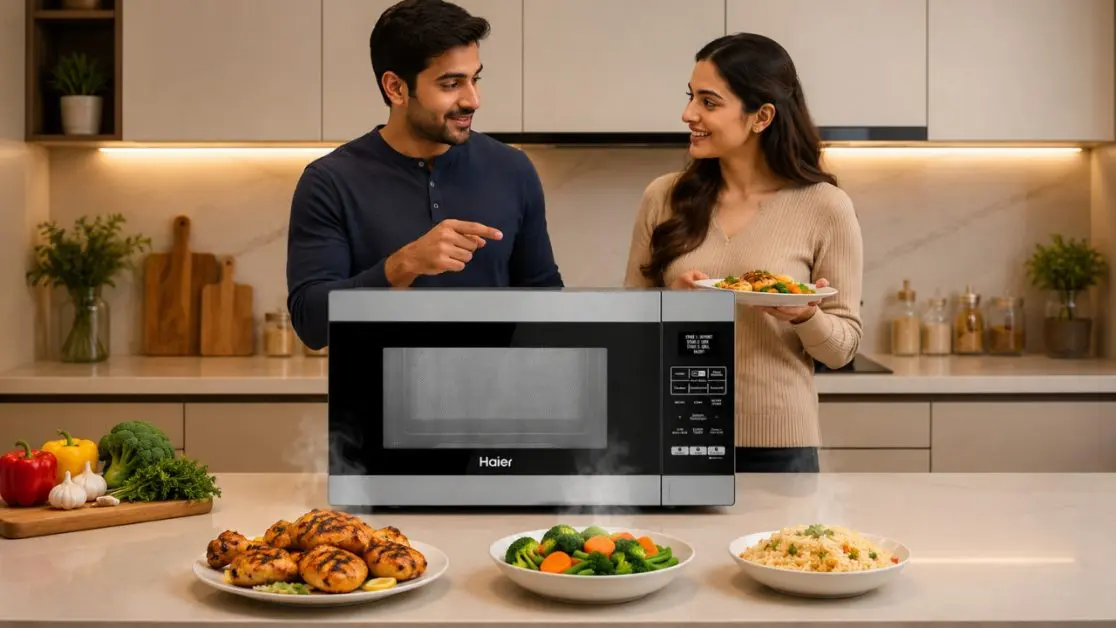
The microwave display is usually your first clue.
Depending on the appliance, an activated child lock may be indicated by:
- A padlock symbol on the digital display.
- A message such as LOCK or LOC.
- An audible confirmation beep.
- Restricted response when cooking settings are selected.
A microwave that displays the time but does not accept cooking commands may simply have its child lock enabled. It is worth checking this possibility before assuming that the control panel has developed a fault.
Why Is Your Microwave Child Lock Not Turning Off?
Occasionally, the unlocking procedure does not work on the first attempt. This does not necessarily indicate a technical problem.
You Are Not Holding the Button Long Enough
A quick tap and a sustained press are two different commands on many electronic control panels. Hold the designated button for the full duration mentioned in the operating instructions.
The Control Panel Is Damp
Steam from cooking, moisture from cleaning or wet fingertips may interfere with the responsiveness of certain touch control panels.
Wipe the panel gently with a soft, dry cloth before trying again.
You Are Following Instructions for a Different Model
Even microwaves from the same manufacturer can have different operating interfaces. Instructions intended for another model may not work on your appliance.
There May Be a Control Panel Fault
If the correct unlocking procedure repeatedly fails, contact authorised service support. Avoid opening the microwave casing or attempting to bypass its electronic safety mechanisms.
A Child Lock Is Worth Having in a Multifunction Microwave
Think about how frequently a microwave gets used in an Indian household. Reheating dal before lunch, preparing evening snacks, grilling paneer for guests or baking something over the weekend. The appliance rarely serves just one purpose anymore.
With more cooking functions comes the need for thoughtful appliance controls.
The Haier 30L Convection Microwave with In-Built Air Fryer (HIL3001ARSB) features a child lock designed to prevent accidental usage, alongside a touch control panel for easy operation.
Beyond this safety feature, the microwave brings considerable cooking flexibility to everyday kitchens.
Its features include:
- 5-in-1 functionality combining microwave, grill, convection, air frying and rotisserie cooking.
- 305 preset auto cook menus for convenient meal preparation.
- 36 dedicated air fryer menus for preparing crispy food with less oil.
- Motorised rotisserie for uniform grilling.
- Five microwave power levels for different cooking requirements.
- Stainless steel cavity.
- Express cooking for quick heating.
- 30-litre capacity for varied household cooking needs.
For households looking to prepare anything from everyday meals to elaborate weekend recipes, having these functions within a single appliance can make kitchen routines considerably more convenient.
The inclusion of a child lock adds another practical consideration for families with young children.
Develop a Habit of Locking the Microwave After Use
A safety feature is only useful when it becomes part of your routine. Consider activating the child lock after cooking, particularly when children are around.
Alongside using the lock:
- Keep hot dishes away from the edge of the kitchen counter.
- Avoid allowing young children to operate the microwave independently.
- Keep the control panel clean and dry.
- Ensure children cannot reach hot surfaces or accessories.
- Familiarise other family members with the correct unlocking procedure.
Remember that convection and grill cooking can leave internal surfaces and accessories hot even after the cooking programme has ended.
Make Everyday Microwave Cooking More Convenient and Considered
A child lock may seem like a small addition to a microwave, but its usefulness becomes apparent in a busy family kitchen. Understanding how to activate and release it can prevent accidental operation and save you from unnecessary confusion when the controls appear unresponsive.
At Haier India, appliances such as the HIL3001ARSB bring together versatile cooking functions, convenient touch controls and practical features such as the child lock to accommodate everyday household requirements.
Explore Haier India’s range of microwave ovens and discover an appliance that complements your cooking habits, kitchen space and family’s needs.
Frequently Asked Questions
1. How do I activate the child lock on a microwave?
Depending on the model, press and hold the dedicated Child Lock or Stop/Cancel button, typically for three seconds. Some microwaves require a specific button combination. Refer to your user manual for the correct procedure.
2. How do I release the child lock on my microwave?
Most microwaves allow you to deactivate the child lock by pressing and holding the designated control again. Once unlocked, the lock symbol or confirmation message generally disappears from the display.
3. Does a microwave child lock prevent the door from opening?
Not necessarily. Most conventional control panel child locks restrict electronic operations rather than physically locking the microwave door. Adult supervision is still necessary, particularly after cooking.
4. Why is my microwave displaying LOC?
On many microwave models, LOC indicates that the control panel lock is active. Follow the model-specific unlocking procedure to restore normal operation.
5. Does the Haier HIL3001ARSB microwave have a child lock?
Yes. The Haier 30L Convection Microwave with In-Built Air Fryer (HIL3001ARSB) features a child lock designed to prevent accidental usage, along with a touch control panel for convenient operation.
6. Will unplugging a microwave deactivate the child lock?
This depends on the model. Some microwaves reset their settings after a power interruption, while others may retain the lock status. Always follow the recommended unlocking procedure.